
How to Track Consignment Inventory in a Sneaker Store
Consignment is common in sneaker resale. A consignor drops off pairs at your store. You sell them. You take a commission and pay the consignor the rest.
Simple in concept. Complicated in practice.
What consignment tracking requires
1. Item-level ownership
Every pair in your store needs an owner tag. Is this pair owned by the store, or consigned? If consigned, which consignor?
This matters because:
- Consigned items have different margin structures (commission-based vs. full margin)
- You owe money to consignors when their items sell
- You need to report unsold items back to each consignor
2. Agreed-upon terms
Each consignor relationship has terms:
- Commission percentage: You might take 20% on one consignor's items and 15% on another's
- Minimum price: Some consignors set a floor price below which you can't sell
- Duration: How long you'll hold items before returning unsold inventory
- Payout schedule: Weekly, biweekly, monthly
These terms vary per consignor. Your system needs to handle this variability.
3. Sale attribution
When a consigned pair sells, you need to record:
- Which consignor owns it
- The sale price
- The platform it sold on (fees vary by platform)
- The commission you take
- The net amount owed to the consignor
4. Settlement reports
At payout time, you generate a report for each consignor:
- Items sold in the period
- Sale prices and dates
- Commission taken per item
- Platform fees (if shared with consignor)
- Total payout amount
Where stores go wrong
Spreadsheet consignment tracking
Most stores start by adding a "Consignor" column to their inventory spreadsheet. This works until:
- You have 10+ consignors with different commission rates
- You need to generate payout reports monthly
- A consignor disputes a payout and you need an audit trail
- Items sell across multiple platforms with different fee structures
At that point, the spreadsheet becomes a liability. One formula error means wrong payouts. One missed entry means a consignor doesn't get paid.
No separation of owned vs. consigned
Some stores mix owned and consigned inventory without clear tagging. This leads to:
- Incorrect profit calculations (consignment revenue is not the same as owned-inventory revenue)
- Cash flow surprises when consignor payouts come due
- Disputes when consignors ask about their items
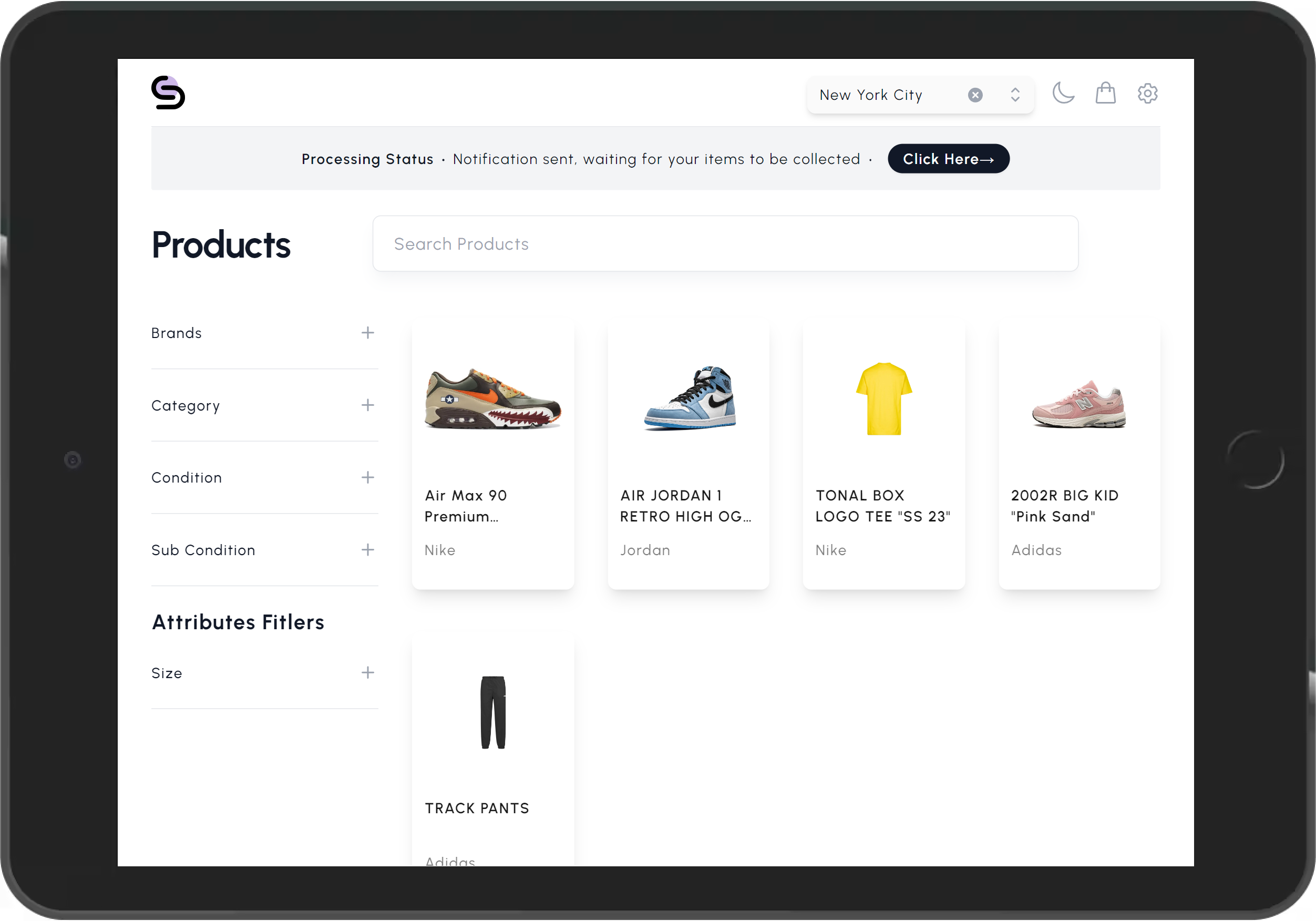
How StackKnack handles consignment
StackKnack has built-in consignment management:
- Consignor profiles: Each consignor has a profile with their commission rate and terms
- Item assignment: Every item is tagged to an owner — store or specific consignor
- Automatic calculation: When a consigned item sells, StackKnack calculates the commission and net payout automatically, accounting for platform fees
- Settlement reports: Generate per-consignor reports for any date range with one click
- Multi-channel awareness: If a consigned pair sells on eBay vs. Shopify, the different fee structures are factored into the payout calculation
Best practices
- Tag items on intake: The moment a consignor drops off items, tag them in your system. Don't wait.
- Standardize agreements: Use consistent commission structures. Having 20 different rate tiers creates complexity.
- Pay on schedule: Late payouts damage consignor relationships. Set a schedule and automate reminders.
- Provide transparency: Give consignors access to their item status. This reduces "where's my stuff?" inquiries.
- Separate accounting: Track consignment revenue and payouts separately from owned-inventory revenue.